How We Reduced Load Times by 38% on a High-Traffic Food Ordering Platform
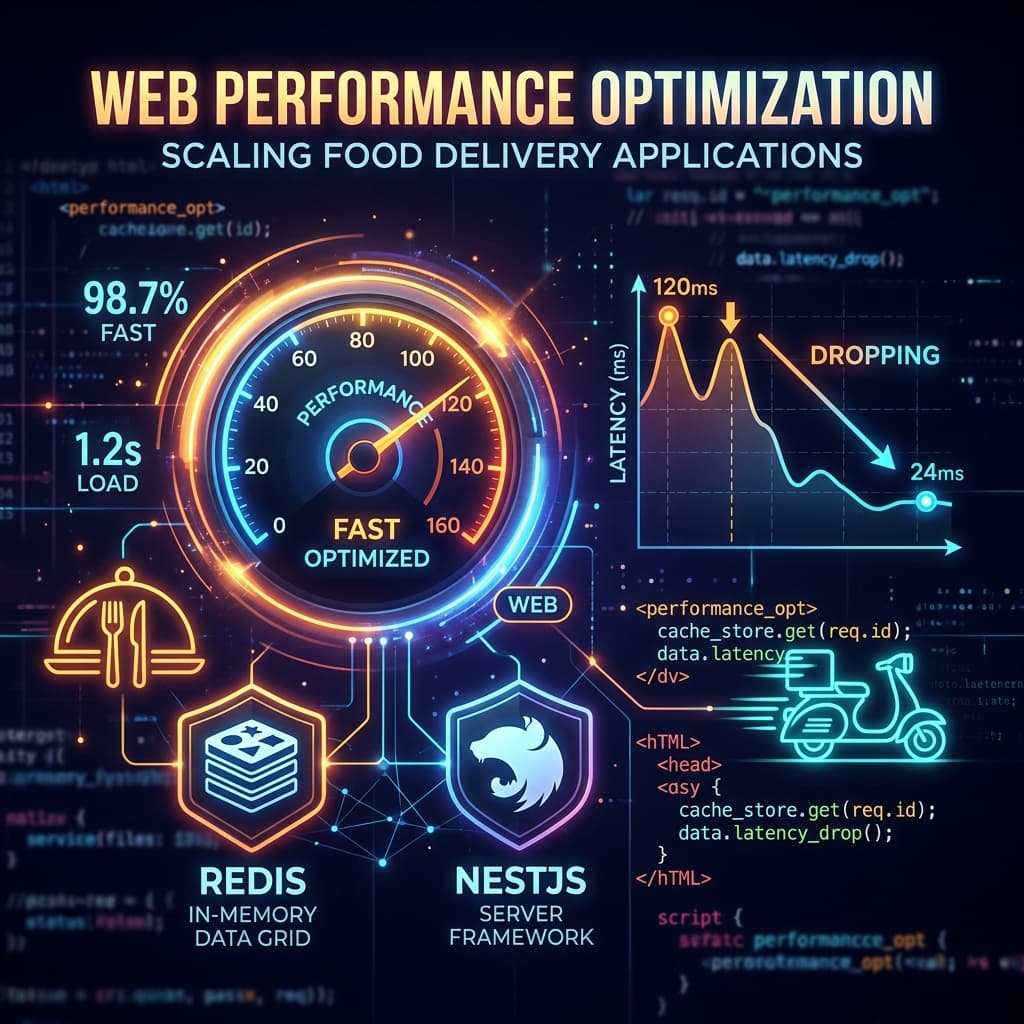
Picture this: It’s 6:00 PM on a Friday in Oslo. Thousands of hungry families open their phones, all looking to order dinner at the exact same moment.
For a food delivery platform like DineHome—Norway's second largest—this is the weekly battleground. Last year, as our monthly active users climbed past 15,000, these peak dinner rushes started hitting us hard. API response times crept up to 850ms, the main database CPU was redlining at 90%, and users were seeing frustrating load spinners just when they were trying to checkout.
In food delivery, a slow app equals an abandoned basket. Hungry people don't wait.
We knew we had a problem, and we knew a generic "spin up a bigger AWS instance" quick-fix wasn't going to cut it. We needed to fundamentally re-engineer how our data moved. Here is the exact playbook we used to slash our overall load times by 38% and bring our system back to life.
1. Menus: The Heavy Hydration Bottleneck
When we analyzed our slow database queries, one culprit stood out like a sore thumb: the menu fetch operation.
A typical restaurant menu isn't just a list of items. It’s a nested tree of categories, custom options (like pizza toppings), price modifiers, and dietary tags. Every time a user clicked on a restaurant, we were running complex MongoDB aggregations to fetch, assemble, and hydrate this massive object. Doing this on every single page view under peak load was killing our database.
The Solution: Smarter Caching (and the Invalidation Nightmare)
The obvious answer is caching. We spun up a Redis instance and wrapped our menu endpoint in a caching layer.
But as any senior dev will tell you, caching is easy—cache invalidation is the real beast. Restaurants update their items, turn off out-of-stock ingredients, and change pricing in real-time. If a restaurant turns off "Sushi Rice" because they ran out, that change must reflect on the customer app instantly, otherwise they'll pay for an order the kitchen can't fulfill.
Instead of setting a short Time-To-Live (TTL) like 5 minutes (which would still hammer our database 12 times an hour per restaurant), we implemented event-driven invalidation.
Whenever a restaurant owner updates a menu item in their merchant portal, we emit a menu.updated event. A lightweight worker consumes this event and purges only that specific restaurant's cache key in Redis.
// A look at our menu caching utility
async function getRestaurantMenu(restaurantId: string): Promise<MenuData> {
  const cacheKey = `menu:${restaurantId}`;

  // 1. Try fetching from Redis first
  const cachedMenu = await redis.get(cacheKey);
  if (cachedMenu) {
    return JSON.parse(cachedMenu);
  }

  // 2. Cache miss? Query MongoDB, but bypass Mongoose hydration overhead using .lean()
  const rawMenu = await MenuModel.findOne({ restaurantId })
    .populate('categories')
    .lean() // Huge performance save: avoids creating heavy Mongoose documents
    .exec();

  if (!rawMenu) {
    throw new Error('Menu not found');
  }

  // 3. Store back in cache with a fallback TTL of 24h
  await redis.setex(cacheKey, 86400, JSON.stringify(rawMenu));

  return rawMenu;
}
Bypassing Mongoose's hydration using .lean() saved us massive amounts of CPU cycles alone. Combined with Redis, menu load times dropped from 620ms down to a crisp 45ms (a 92% improvement for that specific endpoint!).
2. Ditching the Sync Mindset
When a customer clicks "Place Order," a lot of things need to happen:
- •Validate the basket and pricing.
- •Charge the card via the payment gateway.
- •Write the order to the database.
- •Notify the restaurant tablet.
- •Send a confirmation email and SMS to the user.
- •Push a webhook to our delivery dispatch system.
Originally, our NestJS backend was doing almost all of this synchronously inside the HTTP request cycle. If the external SMS gateway or the delivery dispatch API took 2 seconds to respond, the customer sat there looking at a spinning wheel, wondering if their payment went through.
The Solution: Decoupling with RabbitMQ
We refactored the checkout flow to do only what was absolutely necessary to confirm the payment and write the order.
Everything else was pushed into a message broker (RabbitMQ) as background tasks. The instant the payment gateway confirmed the transaction, we responded to the client with a 200 OK and queued a message.
// Pushing background actions out of the request loop
async function placeOrder(orderDto: OrderDto) {
  const transaction = await db.startTransaction();
  try {
    const payment = await paymentGateway.charge(orderDto);
    const order = await OrderModel.create([orderDto], { transaction });
    await transaction.commit();

    // Fire-and-forget background jobs via RabbitMQ
    await queue.publish('order_events', 'order.placed', {
      orderId: order.id,
      userId: orderDto.userId,
      restaurantId: orderDto.restaurantId
    });

    return { success: true, orderId: order.id };
  } catch (error) {
    await transaction.abort();
    throw new BadRequestException('Order placement failed');
  }
}
Our lightweight consumer workers picked up the jobs in the background: one sent the SMS, another signaled the restaurant tablet, and another hit the delivery API.
This dropped our checkout response times from 2.1 seconds down to 340ms, drastically reducing transaction failures and improving checkout conversions.
3. Frontend Hydration & Next.js Dynamic Tuning
It wasn't just the backend. Our Next.js frontend was taking a beating because of heavy layouts and unoptimized image loads.
A single menu page could display 100+ high-res images of dishes. If the browser tried to load all of those at once, it throttled the main thread, causing visible stuttering when scrolling.
We implemented:
- •Lazy Loading for Everything: We used Next.js
next/imageto defer loading off-screen dish images until the user actually scrolled down the menu. - •Incremental Static Regeneration (ISR): For highly static pages like "Restaurant Directories" or city landing pages, we completely ditched dynamic server rendering. Instead, we use Next.js ISR to build these pages statically at deploy time and revalidate them in the background once every hour.
The Results
After two weeks of profiling, optimizing queries, caching, and moving to an async event-driven architecture, we deployed the changes. The metrics spoke for themselves:
- •Overall Page Load Times: Decreased by 38% on average.
- •Database CPU Usage: Dropped from peak 90% to a steady 35%, giving us massive headroom to scale.
- •Peak-Hour API Latency: Remained stable below 120ms even under maximum load.
- •Checkout Conversion Rate: Increased by 4.2% (because nothing gets a hungry customer to close their tab faster than a laggy checkout page).
The Takeaway
Optimization is rarely about one single "silver bullet." It's about knowing where your system is sweating, profiling your bottlenecks, and choosing simple, predictable patterns over complex hype.
We didn't need to rewrite our entire app in Rust or migrate to a massive Kubernetes setup. We just indexed our tables, cached our heavy reads, queued our slow writes, and let our backend do what it does best: serve data fast.
What’s the biggest scaling bottleneck you’ve hit in production?